Redraw is currently in technical preview, available to wcandillon.dev subscribers. API is unstable.
Stroke Effects
Stroke effects modify how a stroke renders without changing its color or
width; they decorate, replicate, or geometrically alter the stroke band.
Pass them as the third argument to brush.addStroke(color, width, effects):
import { Brush, Dash } from "redraw";

const brush = new Brush();
brush.addStroke("#222", 8, new Dash(20, 10));
effects can be a single node or an array of them. They live in
packages/redraw/src/nodes/brushes/StrokeEffect.ts.
Dash
Standard dashed stroke.
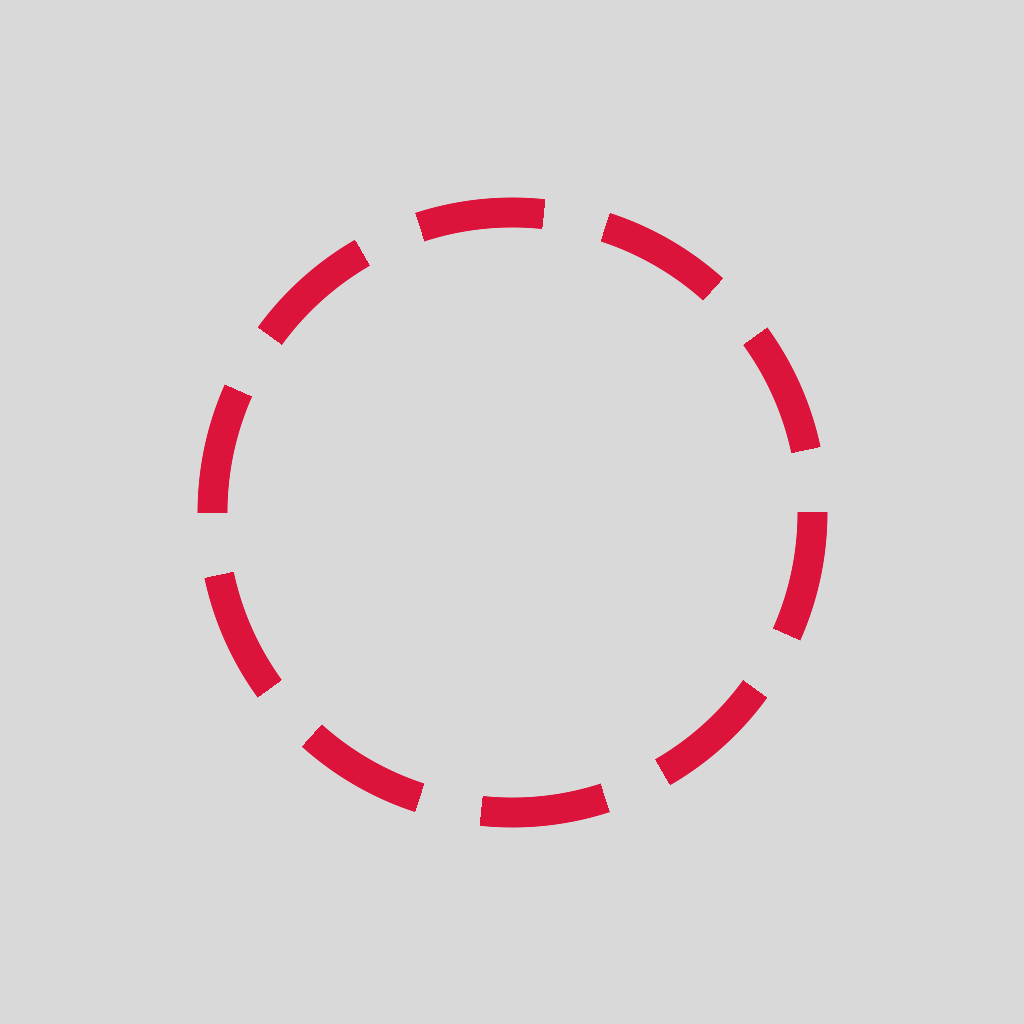
new Dash(dashLength, gapLength);
new Dash(dashLength, gapLength, offset);
new Dash(dashLength, gapLength, { offset, cap, pathLength });
| Param | Type | What it controls |
|---|---|---|
dashLength | number | Painted segment length. |
gapLength | number | Gap between segments. |
offset | number (or options.offset) | Phase shift; animate to make dashes travel. |
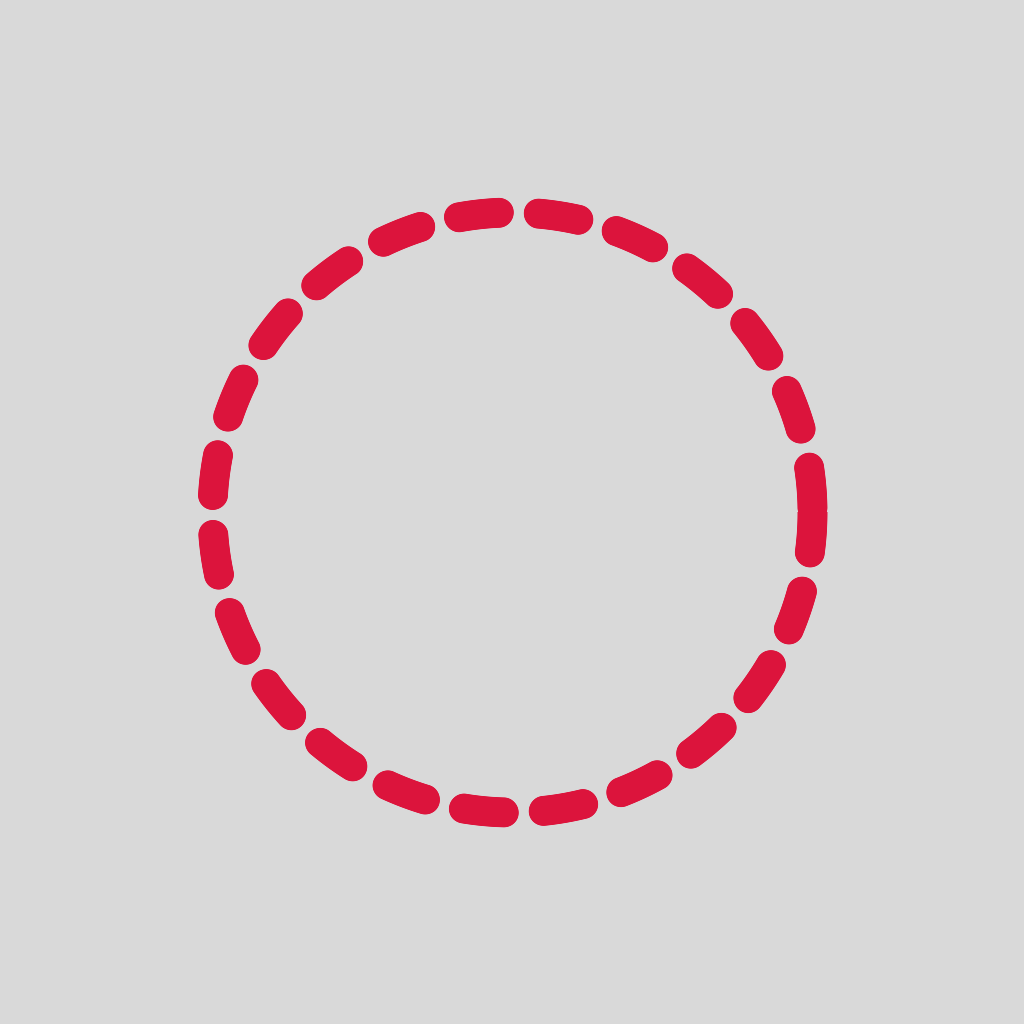
cap | "butt" | "round" | Sharp ends vs rounded. |
pathLength | number | Override; used for arc-length parameterization. |
With cap: "round":
Outline
Concentric outlines around the stroke at fixed spacing.
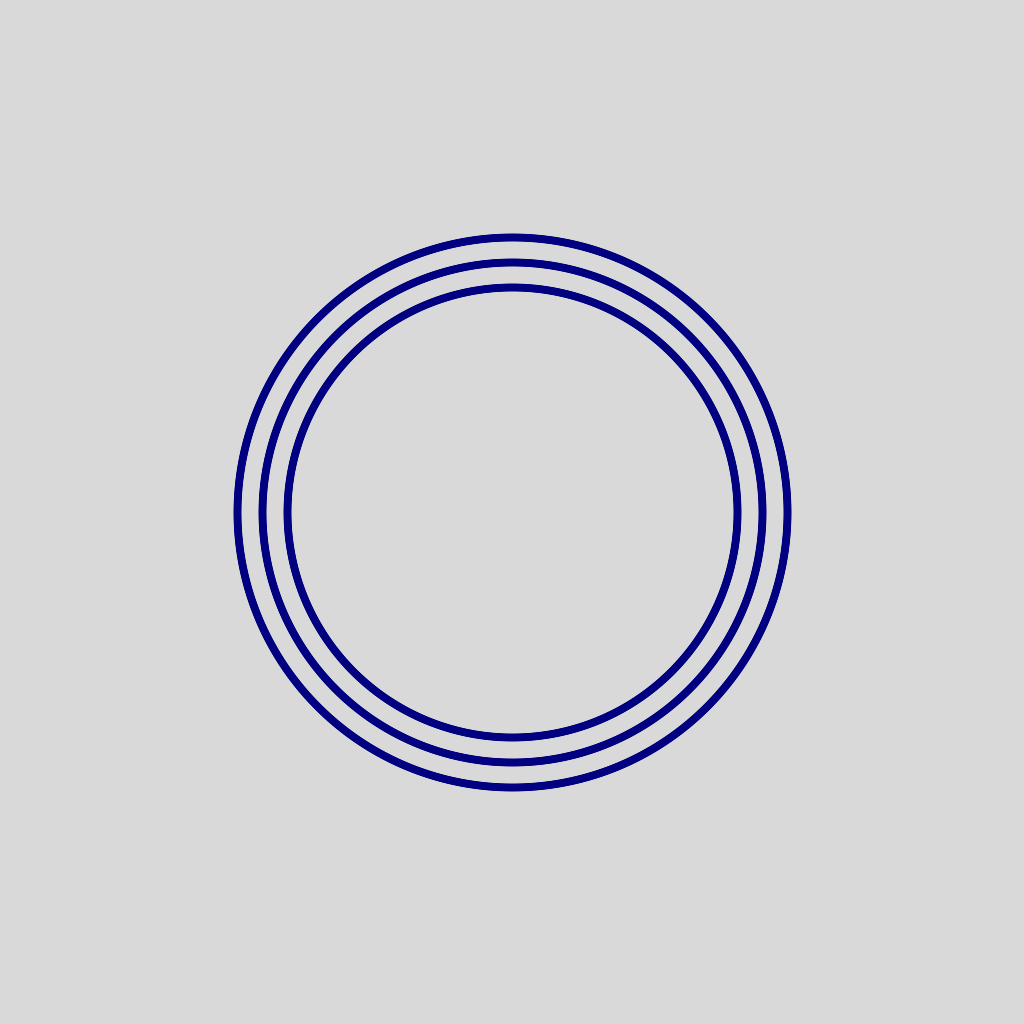
new Outline(count, spacing, baseWidth);
| Param | Type | What it controls |
|---|---|---|
count | number | How many rings to emit. |
spacing | number | Distance between consecutive rings. |
baseWidth | number | Width of each individual ring. |
InnerStroke / OuterStroke
Restrict the stroke to one side of the SDF boundary.
| Inner | Outer |
|---|---|
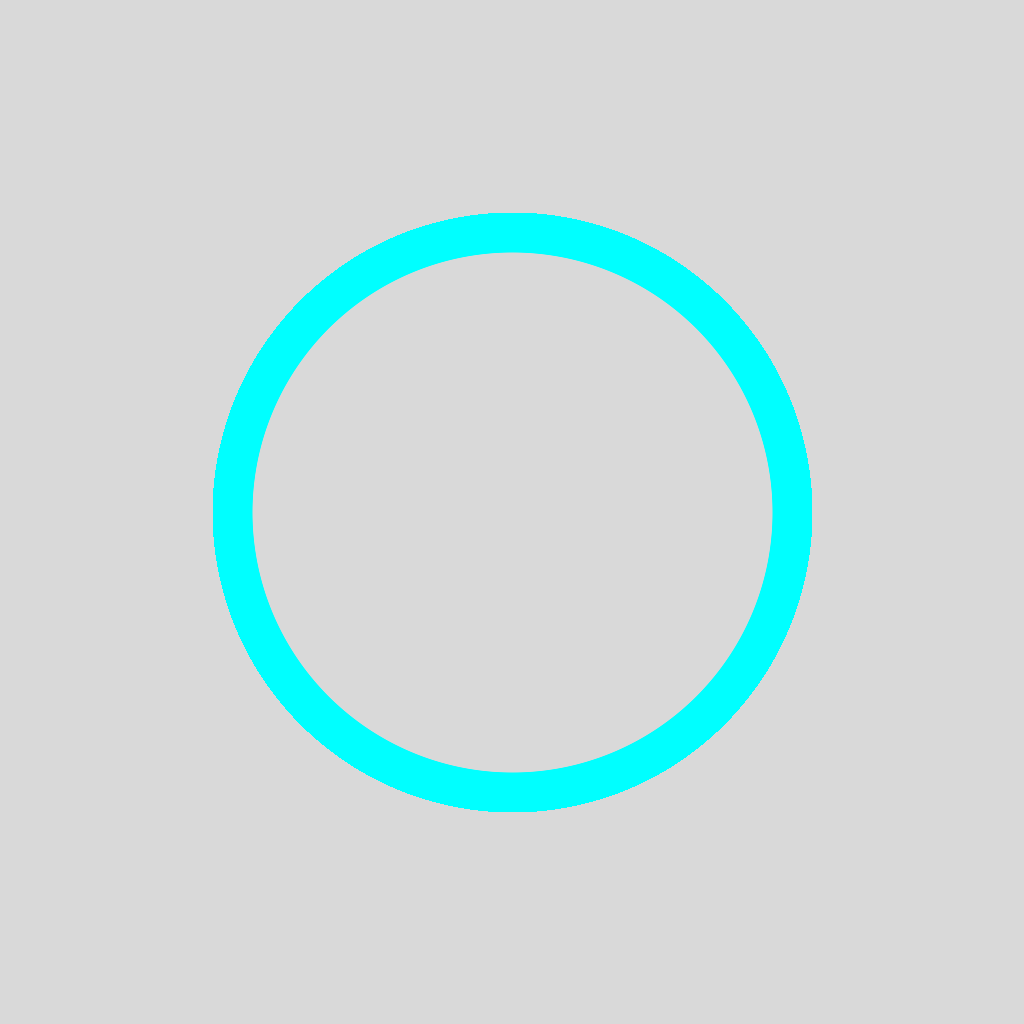 | 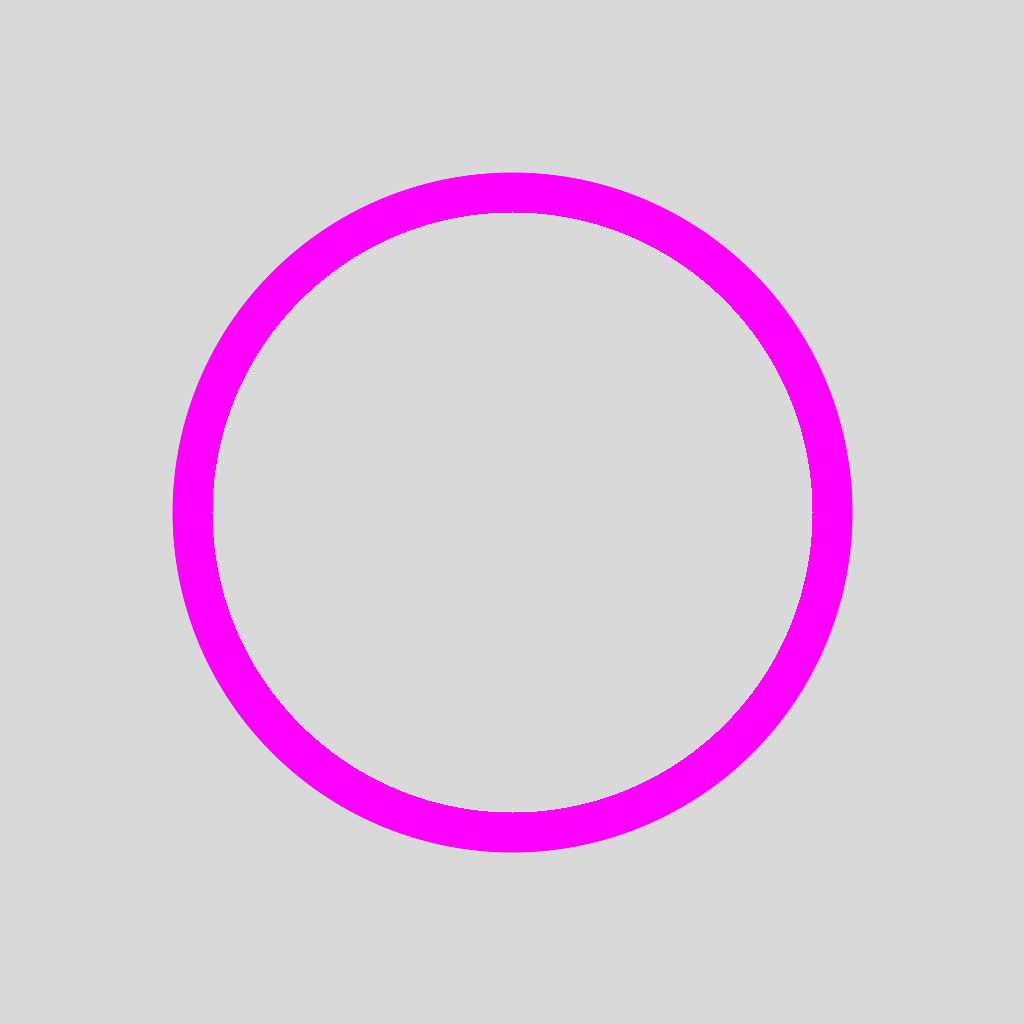 |
new InnerStroke(strokeWidth);   // only inside  (sdf < 0)
new OuterStroke(strokeWidth);   // only outside (sdf > 0)
| Param | Type | What it controls |
|---|---|---|
strokeWidth | number | Stroke band width. |
OffsetStroke
Stroke offset from the boundary; positive offset pushes outward, negative inward.
Outward (offset > 0) | Inward (offset < 0) |
|---|---|
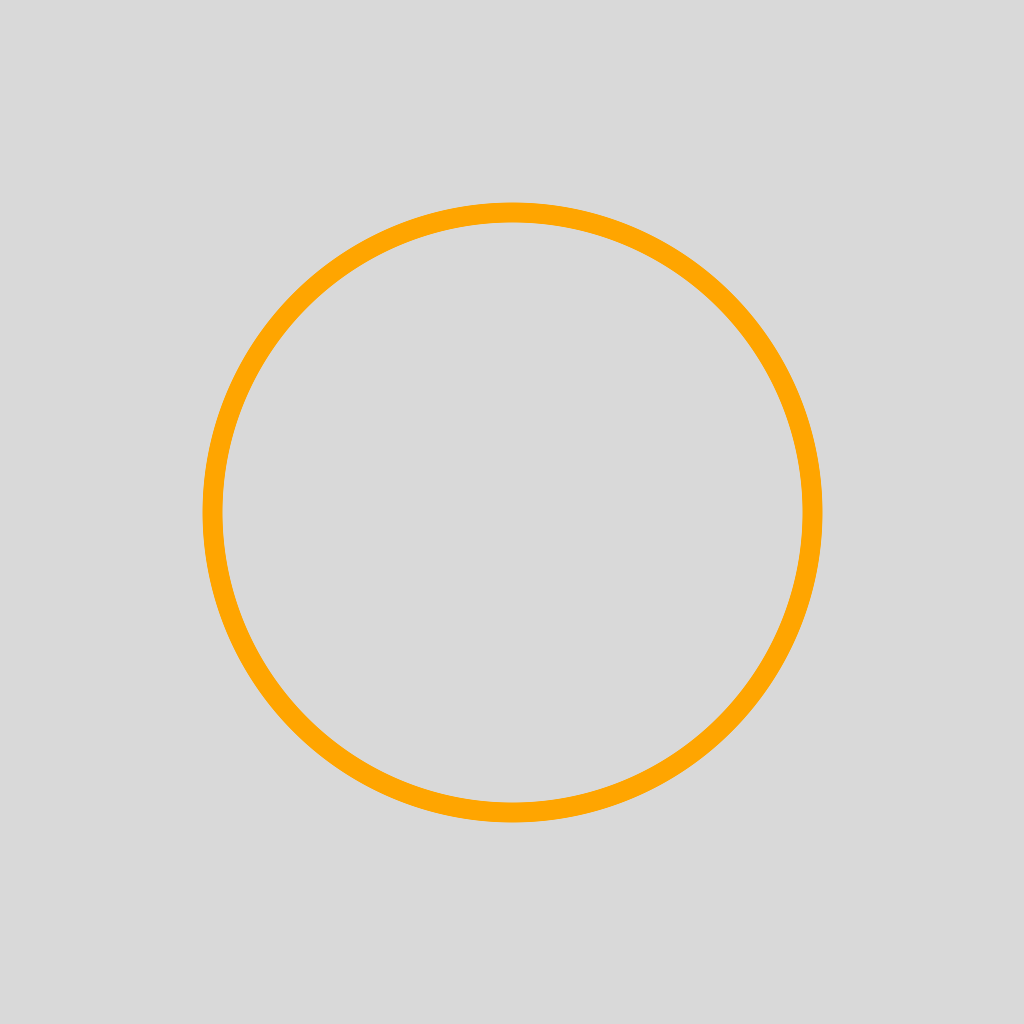 | 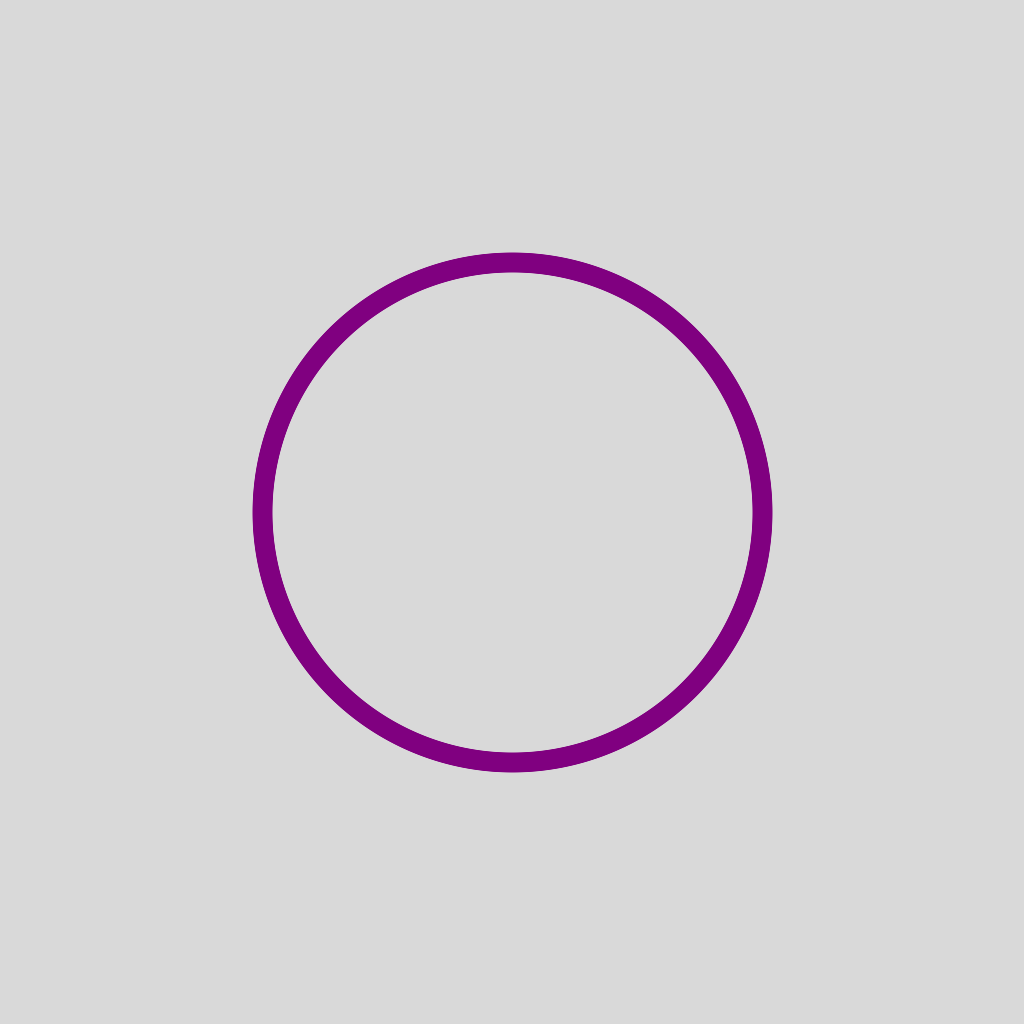 |
new OffsetStroke(strokeWidth, offset);
| Param | Type | What it controls |
|---|---|---|
strokeWidth | number | Stroke band width. |
offset | number | Distance from the boundary; sign decides side. |
DoubleStroke
Two parallel strokes with a gap between them.

new DoubleStroke(strokeWidth, gap);
| Param | Type | What it controls |
|---|---|---|
strokeWidth | number | Width of each individual stroke. |
gap | number | Distance between the two strokes. |
Total visual width is 2 × strokeWidth + gap.
WavyStroke
Sinusoidal wobble perpendicular to the stroke. Animate phase to make the
wave travel.
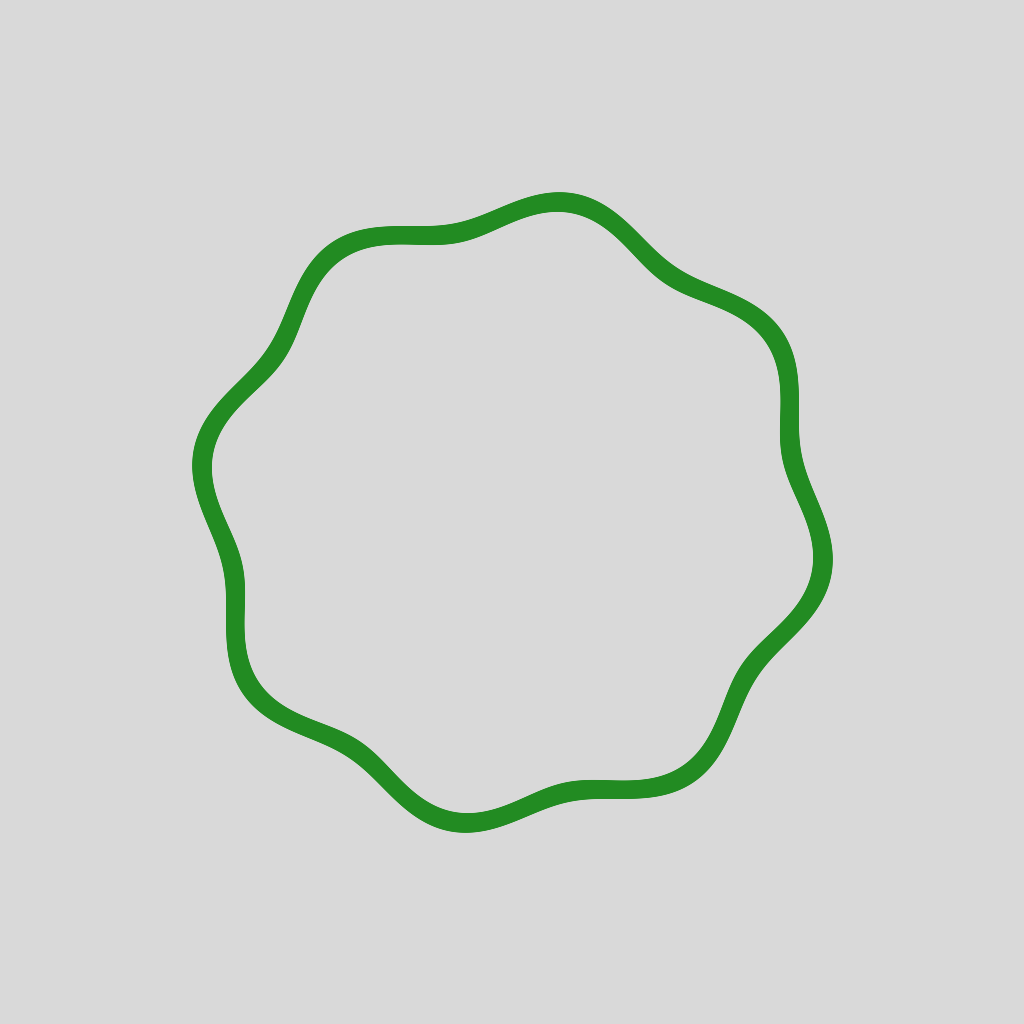
new WavyStroke(strokeWidth, amplitude, frequency, phase = 0);
| Param | Type | What it controls |
|---|---|---|
strokeWidth | number | Width of the wavy stroke band. |
amplitude | number | Peak displacement perpendicular to the path. |
frequency | number | Cycles per arc-length unit. |
phase | number | Phase offset; animate to make the wave move. |
Dotted
Circular dots placed along the path at regular spacing.
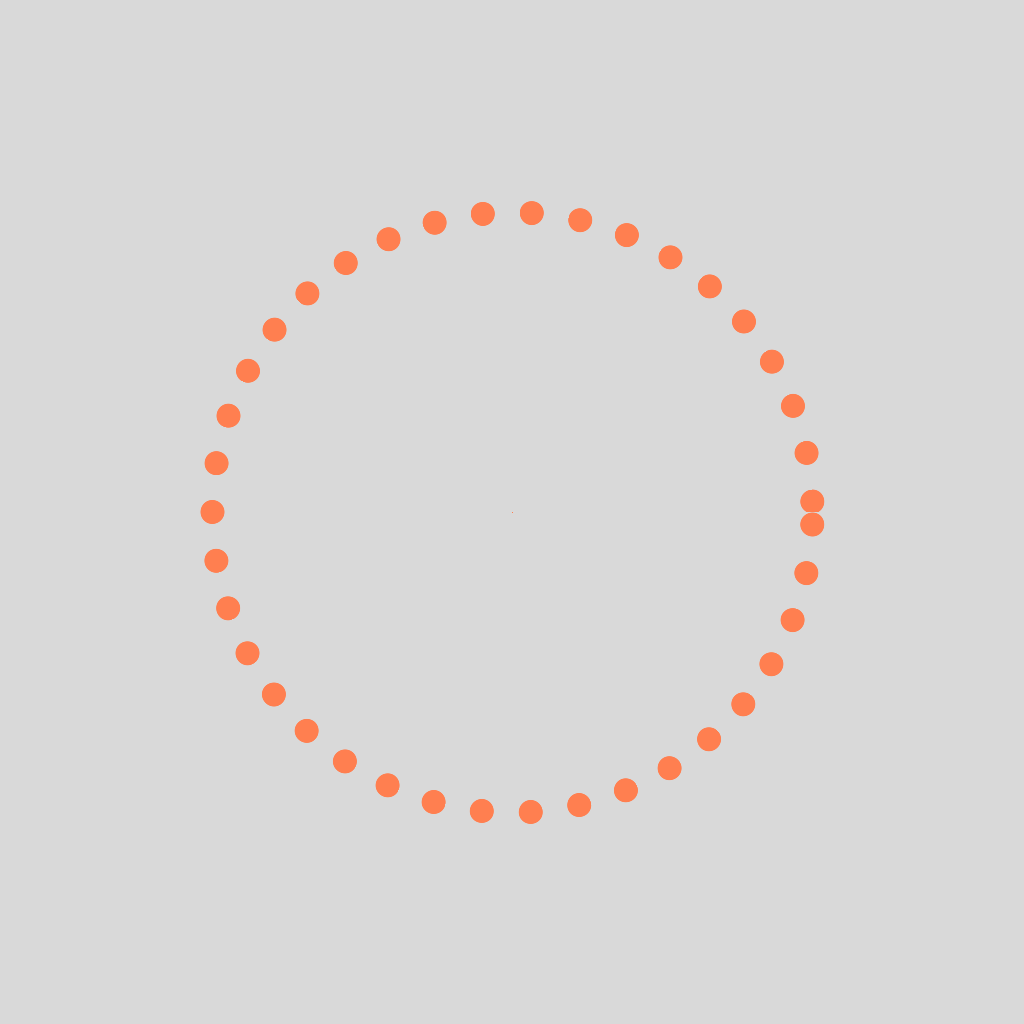
new Dotted(dotRadius, spacing, pathLength, offset = 0);
| Param | Type | What it controls |
|---|---|---|
dotRadius | number | Radius of each dot. |
spacing | number | Distance between consecutive dot centers. |
pathLength | number | Total arc length, needed for parameterization. |
offset | number | Phase shift; animate to make dots travel. |
pathLength is mandatory because dotted spacing is in arc-length, not
screen units. Get it via path.length() after fitting:
const pathGeo = fitPath(svgString, w, h);
const dotted = new Dotted(4, 12, pathGeo.length());
Taper
Linear width transition from startWidth to endWidth along the path.
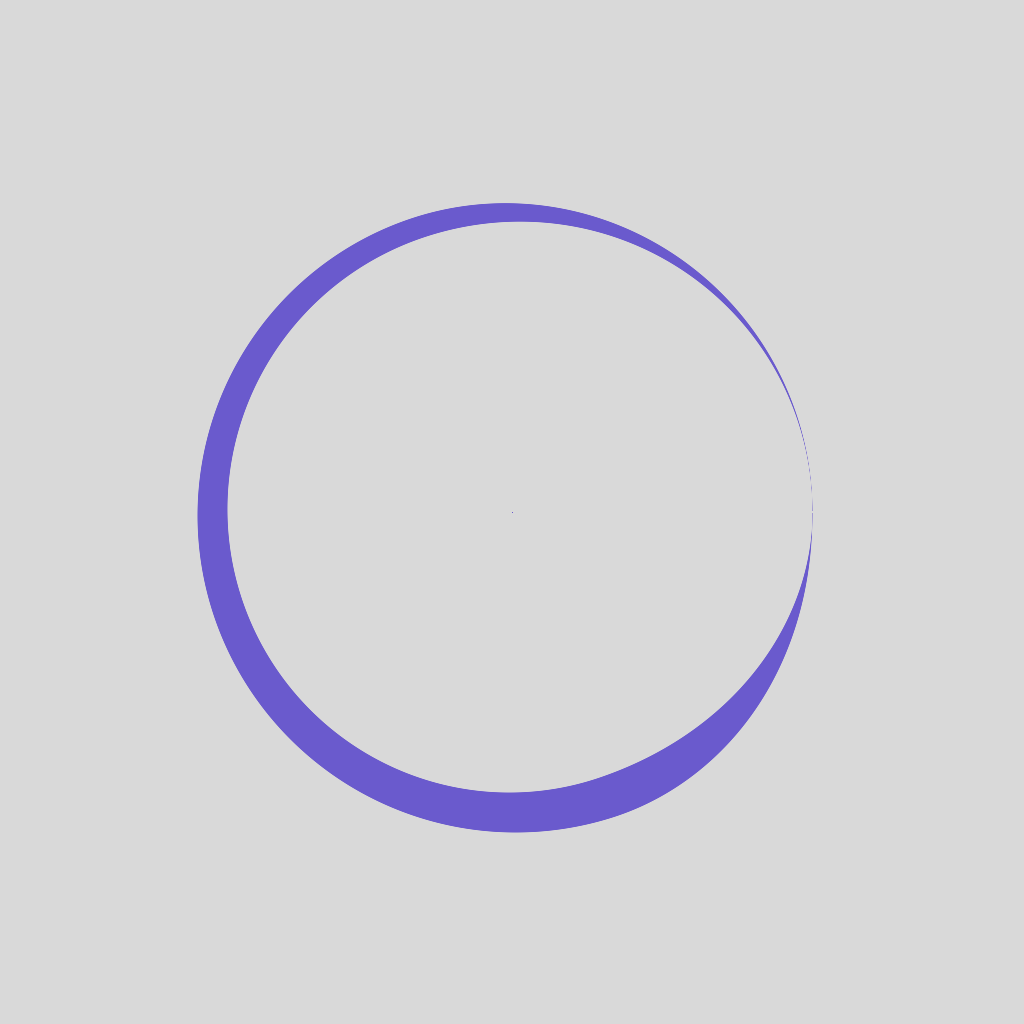
new Taper(startWidth, endWidth, taperStart = 0, taperEnd = 0);
| Param | Type | What it controls |
|---|---|---|
startWidth | number | Width at ctx.t = 0. |
endWidth | number | Width at ctx.t = 1. |
taperStart | number | Smoothstep ramp at the start (0..1). |
taperEnd | number | Smoothstep ramp at the end (0..1). |
For animated tapers (a head that retracts as you draw), use the
TaperedTip width preset on
Stroke Widths; it pairs with path.segment(...).
Combining effects
Most effects can stack. Pass an array as the third argument:
brush.addStroke("#222", 8, [
  new Dash(20, 10),
  new Outline(2, 4, 1),
]);
Order matters; effects compose left-to-right.